About Screen Mirroring Fire TV
Screen Mirroring is a simple but powerful multi-function projection application. Connect the device under the same Wi-Fi to use both DLAN and AirPlay projection methods. Not only can you put any picture on your mobile...
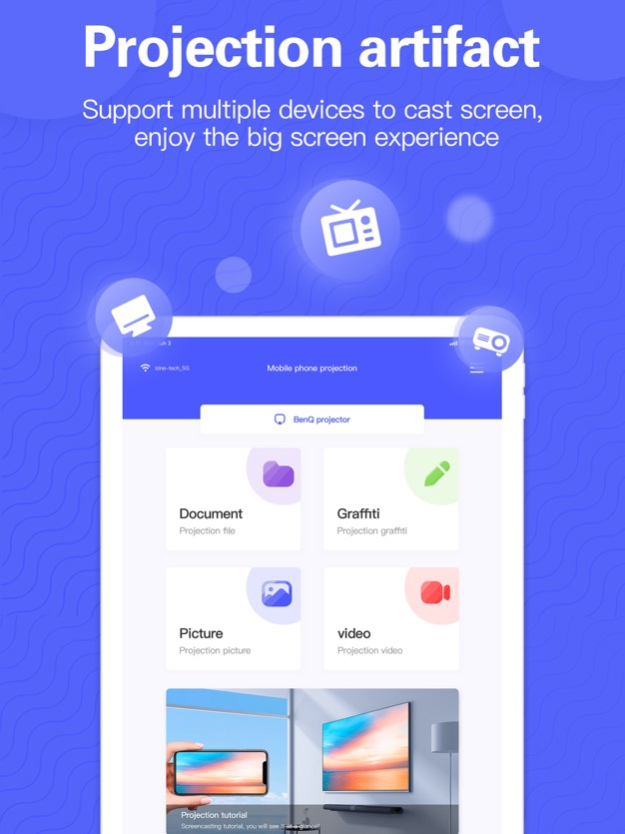
Screen Mirroring is a simple but powerful multi-function projection application. Connect the device under the same Wi-Fi to use both DLAN and AirPlay projection methods. Not only can you put any picture on your mobile phone screen in real time, but you can also cast and play on the big screen by importing videos, photos, and files in your mobile phone. The graffiti projection function imports the picture drawing board for operation, making it more convenient for you to demonstrate and explain in a meeting or teaching.
Function
-Real-time screen mirroring, real-time display of the use screen on your mobile phone screen
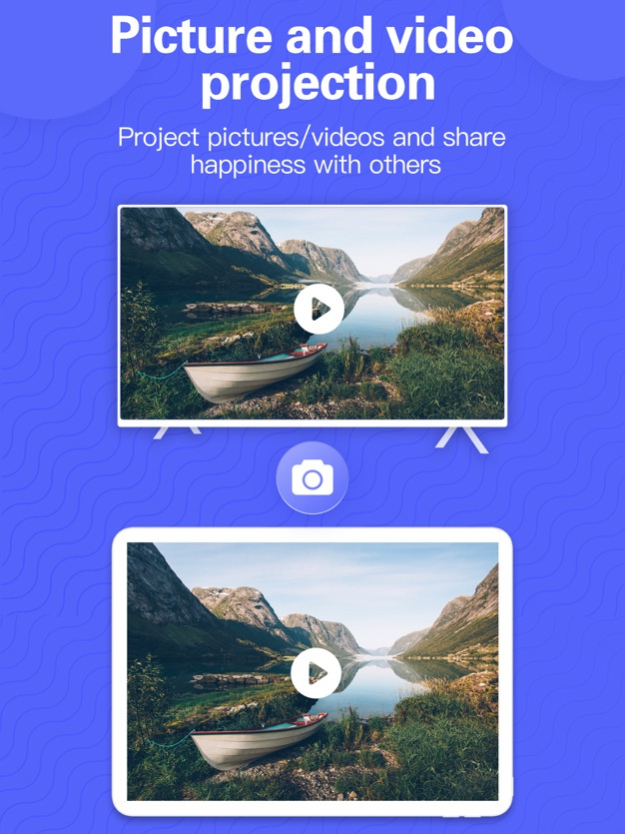
-Video projection, batch release the videos in the mobile phone album
-Picture screen mirroring, slideshow screen mirroring the photos in the album
-File screen mirroring, easily screen files and pictures in iCloud
-Graffiti screen mirroring, import the picture drawing board to cast the graffiti on the screen in real time
scenes to be used
-Real-time sharing of apps, games, videos, and music that the phone is using on the big screen
-The high-definition large screen plays the course video, which is convenient for multiple people to study at the same time
-Cast clear and smooth game live video to enjoy a stronger visual feast
-Mirror photo albums and share happy hours at family and friends gatherings
-Mirror files and pictures in business meetings and teaching to quickly expound your thoughts and insights
-Graffiti explanations and annotations by importing picture boards in business meetings and teaching
【Continuous Monthly Membership Instructions】
1. Instructions for continuous monthly membership
—Subscription period: monthly, annual
2. Other rules
- Payment: Debit the user's iTunes account. After the user confirms the purchase of the monthly membership, the payment will be made automatically after a 3-day free trial. The purchase of the annual membership must be paid immediately.
—Renewal: The account will be charged for renewal within 24 hours before the end of the current subscription period. If you need to cancel the renewal, please cancel manually 24 hours before the current subscription period. The current subscription cannot be cancelled during the valid subscription period.
—User Services Agreement:https://docs.qq.com/doc/DQUV5dnpNYUttRVVt
—User Privacy Agreement:https://docs.qq.com/doc/DQVVMcVdMdVhpREtH
Aug 28, 2023
Version 1.4
Bug fix
We hope to provide you with better service
Previous Versions
Here you can find the changelog of Screen Mirroring Fire TV since it was posted on our website on 2023-09-07 12:04:16.
The latest version is 1.4 and it was updated on 2026-10-10 01:07:13. See below the changes in each version.
Screen Mirroring Fire TV version 1.4
Updated At: 2023-08-28
Changes: Aug 28, 2023
Version 1.4
Bug fix
We hope to provide you with better service
Disclaimer
Official App Store Link
We do not host Screen Mirroring Fire TV on our servers. We did not scan it for viruses, adware, spyware or other type of malware. This app is hosted by Apple and passed their terms and conditions to be listed there. We recommend caution when installing it.
The App Store link for Screen Mirroring Fire TV is provided to you by apps112.com without any warranties, representations or guarantees of any kind, so access it at your own risk.
If you have questions regarding this particular app contact the publisher directly. For questions about the functionalities of apps112.com contact us.